Logitech MX Brio 4K Webcam Review: Big Sony Sensor, Natural Low-Light & Desk Show Mode
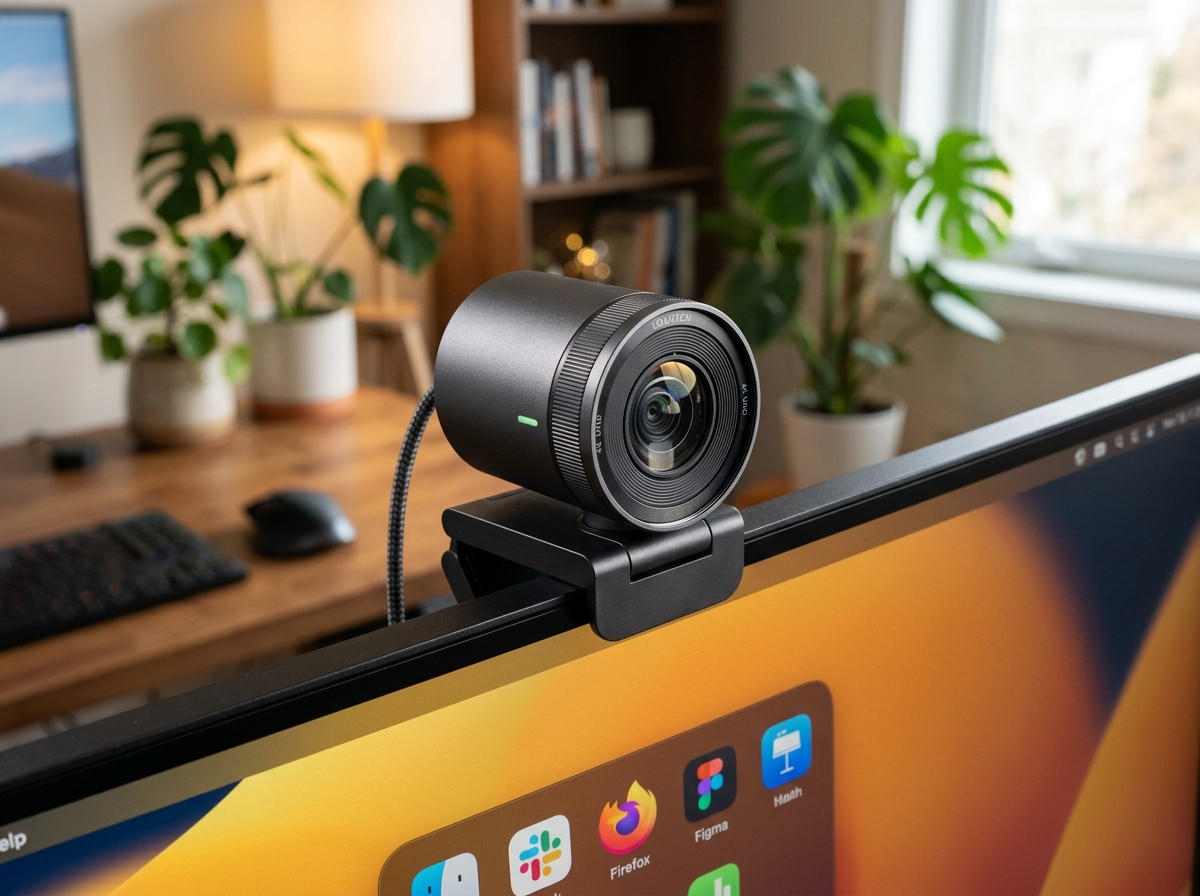
* Product image is a representative illustration for editorial identification. Official imagery is subject to manufacturer copyright.
Logitech MX Brio Ultra HD 4K Webcam
"The Logitech MX Brio sets a new gold standard for home office video conferencing, offering remarkably natural skin tones in dingy lighting alongside clever physical desk-sharing mechanics."
The Good (Pros)
- Larger Sony sensor keeps your face crisp, noise-free, and color-accurate even in dim home office corners
- Innovative Show Mode lets you tilt the lens downward to share physical sketches or notes with automatic orientation flip
- Tactile rotary privacy shutter physically blocks the lens ring with a satisfying mechanical twist
- Extensive Logi Options+ software allows granular fine-tuning of ISO, shutter speed, tint, and color temperature
The Bad (Cons)
- At roughly $200, it carries a premium price compared to standard 1080p office webcams
- Built-in microphones sound clear for video meetings but lack the warm broadcast depth of standalone USB mics
Grainy video feeds and blown-out window backdrops can make even the most polished remote presentation feel clumsy and amateurish. The Logitech MX Brio addresses everyday webcam flaws by pairing a custom-engineered Sony STARVIS sensor with high-end aluminum hardware, delivering crisp 4K optics and flattering lighting adjustments right out of the box.
1. What It Does Best (Key Strengths)
- Outstanding Low-Light Face Preservation: The custom image sensor captures over twice the light of conventional laptop cameras, meaning late-afternoon Zoom calls in shadowy rooms retain sharp facial contours without turning into noisy digital static.
- Physical Tilt-Down Show Mode: By gently tilting the webcam down toward your desk, the camera automatically flips your paper notes, hardware prototypes, or sketches right-side up for meeting participants without requiring awkward manual mirror settings.
- Hardware Dial Privacy Ring: Rather than relying on clumsy stick-on plastic covers, twisting the front aluminum lens bezel smoothly rotates a secure internal mechanical shutter over the glass optics.
2. Real-World Quirks & Trade-offs (What to Watch Out For)
- Premium Price Commitment: Selling around $200, the MX Brio represents a serious investment meant for daily executives, remote educators, and streamers rather than casual once-a-month callers.
- USB-C Port Requirement: To unlock full 4K bandwidth and HDR dynamic range, it requires connection to a modern high-speed USB 3.0 or USB-C port, occasionally needing an adapter on older desktop towers.
3. Daily Usability & Setup (Everyday Experience)
- Sturdy Monitor Mount & Desk Presence: The weighted, micro-suction mounting clip grips curved or razor-thin monitors firmly without slipping, and the braided USB-C cable detaches easily for neat desk cable management.
- Intuitive Logi Options+ Integration: The companion desktop software lets you easily toggle between manual shutter speeds, adjust field of view from wide 90° boardroom angles to intimate 65° solo portraits, and save custom color profiles.
Final Verdict: Who Is This For?
- Buy it if: You spend hours each week in high-stakes video meetings or client calls and want lifelike, low-noise video quality with effortless desk document sharing.
- Skip it if: Your daily work calls are strictly audio-only, or you already achieve satisfactory lighting with a dedicated ring light and a budget 1080p webcam.
Logitech MX Brio Ultra HD 4K Webcam Key Specs
| Max Resolution & Framerate | 4K Ultra HD at 30 fps | 1080p Full HD at 60 fps |
|---|---|
| Sensor | Custom Sony STARVIS (70% larger pixel area for enhanced dynamic range) |
| Field of View (FOV) | Adjustable 65°, 78°, and 90° diagonal framing |
| Audio | Dual beamforming noise-reduction microphones |
| Connectivity & Build | Detachable USB-C to USB-C cable with low-carbon aluminum housing |
Ready to upgrade your gear?
Check current stock, verified customer ratings, and fast Prime delivery.
Related & Alternative Gear
Compare with other top-rated products in Tech Gadgets before you decide.
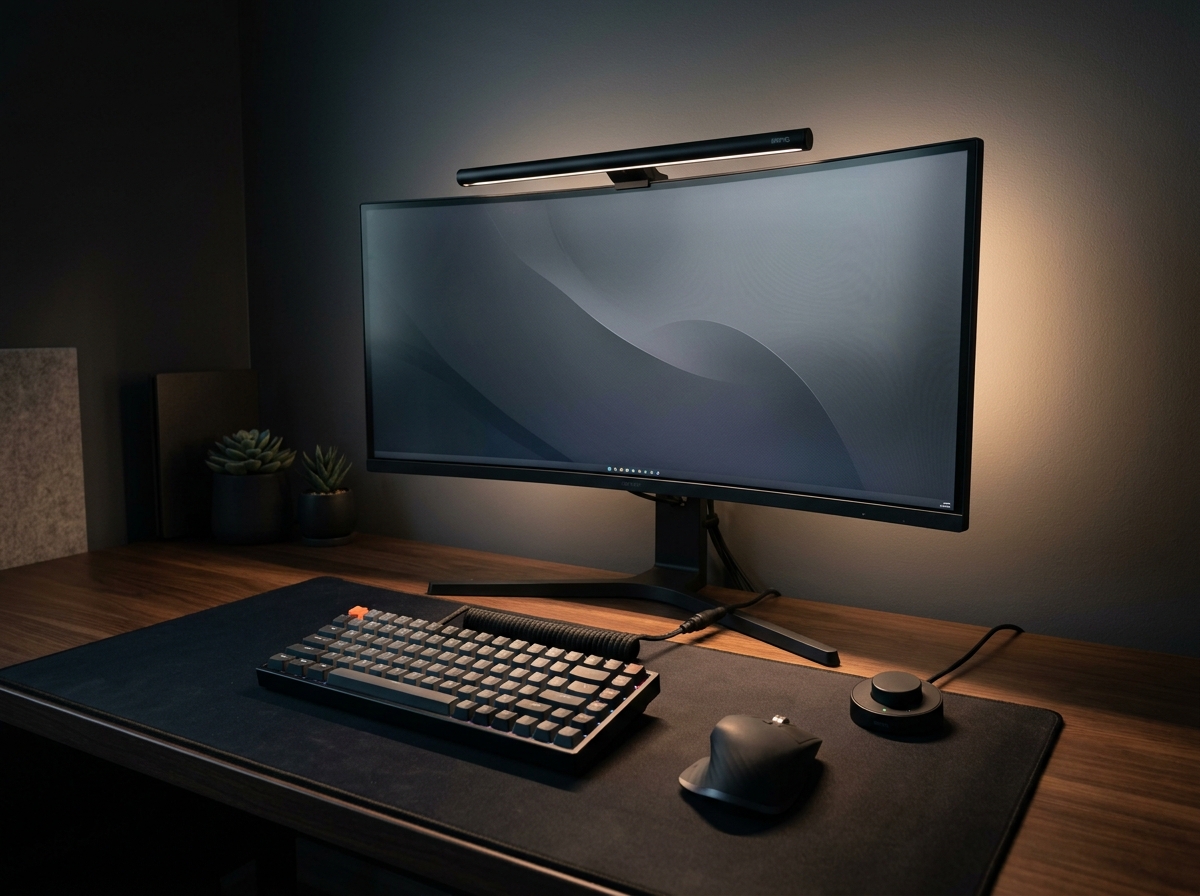
BenQ ScreenBar Halo 2 LED Monitor Light Bar
The BenQ ScreenBar Halo 2 sets the gold standard for workstation lighting. With its patented asymmetric optical design that casts zero reflection on glossy displays, an ambient rear backlight that balances contrast to eliminate eye fatigue, and an ultra-responsive wireless rotary controller, it justifies its premium price tag for late-night productivity.
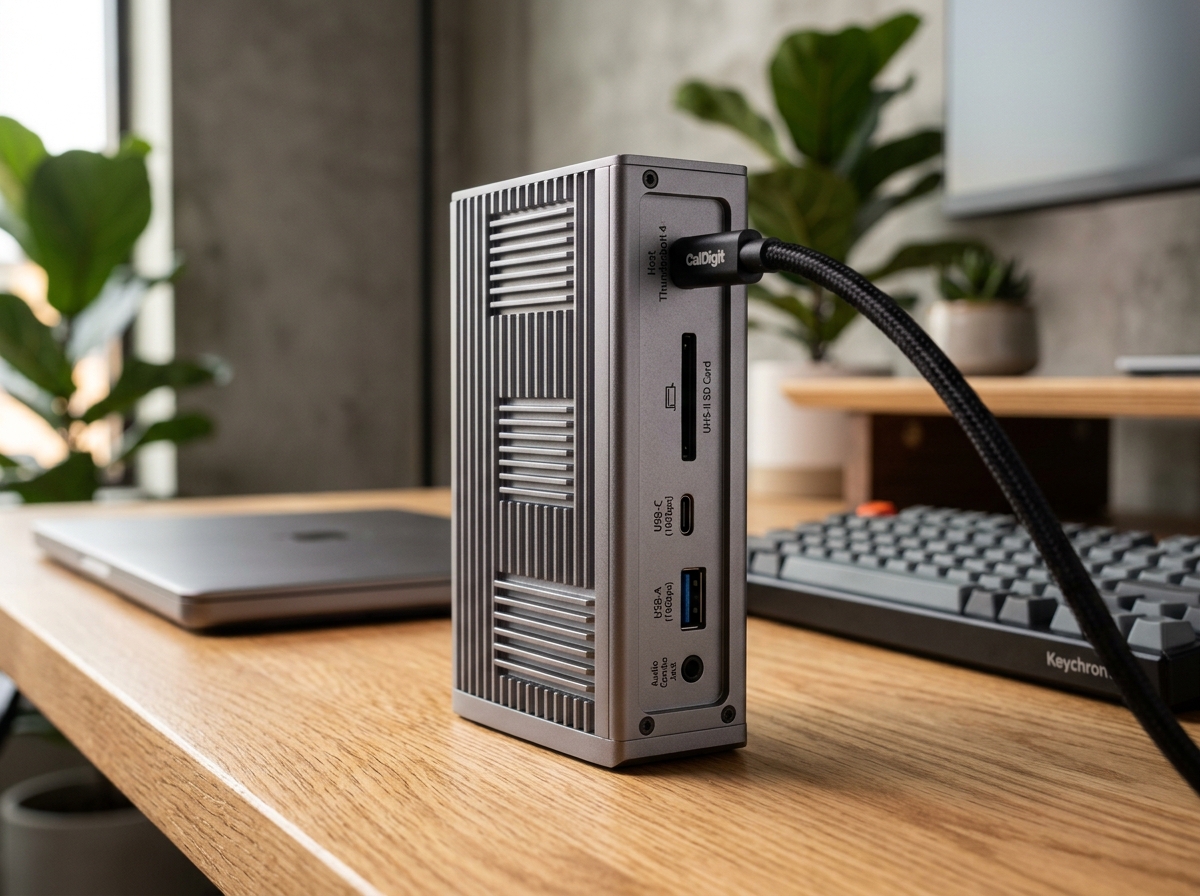
CalDigit TS4 18-Port Thunderbolt 4 Dock
The CalDigit TS4 is undeniably the benchmark docking station on the market. With an astonishing 18 ports, robust 98W laptop charging, rock-solid 2.5GbE networking, and front-facing 20W high-speed USB-C charging, it turns any MacBook Pro or Windows Thunderbolt laptop into a zero-compromise desktop powerhouse via a single cable.
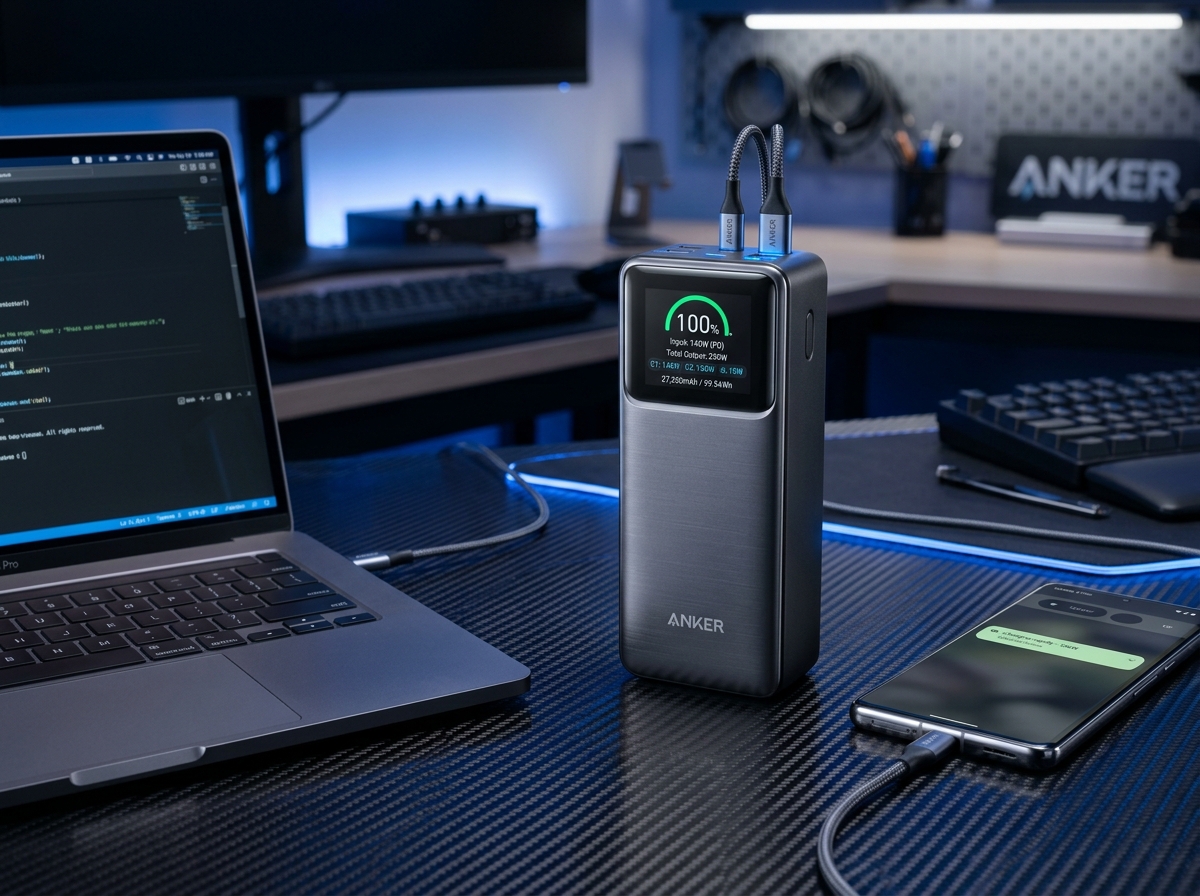
Anker Prime 27,650mAh 3-Port 250W Power Bank
The Anker Prime 250W represents the undisputed pinnacle of portable power, delivering full 140W USB PD 3.1 laptop juice, real-time wattage telemetry on a vivid color display, and maximum TSA-legal capacity.
SpecOfTheDevil is a participant in the Amazon Services LLC Associates Program. Clicking links may earn an affiliate commission at no extra cost to you.