Logitech MX Mechanical Review: Low-Profile Tactile Precision for Power Users
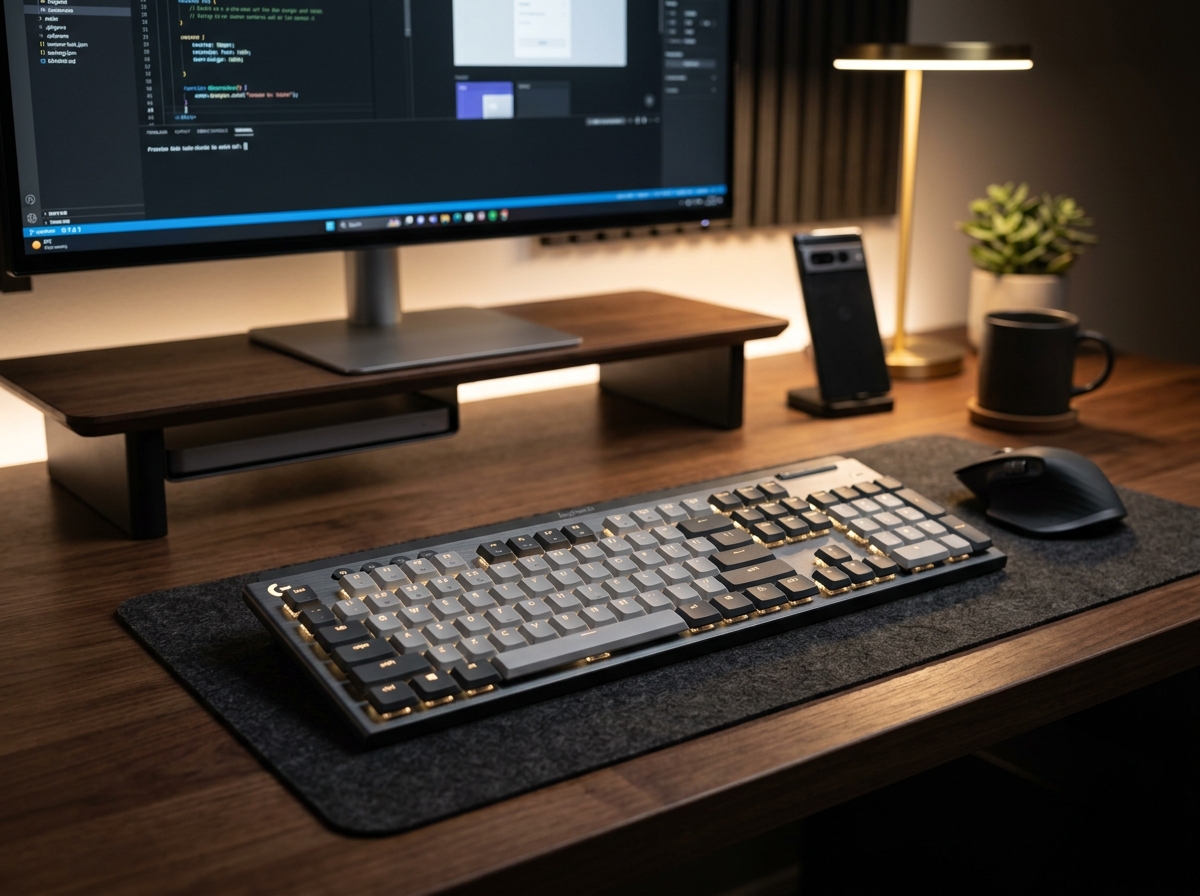
* Product image is a representative illustration for editorial identification. Official imagery is subject to manufacturer copyright.
Logitech MX Mechanical Wireless Illuminated Keyboard
"The Logitech MX Mechanical brings tactile mechanical satisfaction to executive desks with whisper-quiet switches and flawless cross-computer flow."
The Good (Pros)
- Low-profile mechanical switches provide deep, satisfying tactile feedback without loud office noise
- Seamless multi-device switching across 3 computers with Logitech Flow clipboard sharing
- Smart proximity-sensing backlighting illuminates automatically as your hands approach
- Premium aluminum top plate creates zero flex and an ultra-sturdy typing deck
The Bad (Cons)
- ABS keycaps can develop slight surface shine over heavy long-term typing
- Battery drains significantly faster when backlighting is kept at maximum brightness
The Logitech MX Mechanical is purpose-built for creators, coders, and power users who crave the crisp feedback of mechanical keyboards without the loud clatter or chunky height of traditional gaming decks. Featuring ultra-slim low-profile switches and dual-tone matte keycaps, it fits right into sophisticated modern workspaces.
1. What It Does Best (Key Strengths)
- Tactile Quiet Low-Profile Switches: You get the satisfying mechanical “bump” on each keystroke for maximum typing accuracy, but with dampening that keeps noise levels polite during office meetings or late-night work sessions.
- Masterclass Multi-Device Connectivity: Pair up to three devices instantly via Bluetooth or the included Logi Bolt receiver. With Logitech Options+, you can seamlessly move your mouse cursor and copy-paste text between Windows and macOS.
- Smart Proximity-Sensing Backlighting: Ambient hand-detection sensors turn on key illumination the moment your fingers hover near the board, then dim automatically when you step away to preserve battery.
- Ultra-Slim Ergonomic Posture: Because the switches and chassis sit close to the desk, you can type for hours without requiring a separate wrist rest to maintain natural wrist alignment.
2. Real-World Quirks & Trade-offs
- ABS Keycaps Instead of PBT: While the smooth dual-tone keycaps feel pleasant, heavy daily typists may notice subtle oil shine developing on high-frequency keys over time.
- Backlight Battery Impact: With automatic backlighting active, battery life lands around 15 days between USB-C recharges, though turning backlights off extends life to nearly 10 months.
3. Daily Usability & Practical Fit
In everyday workflow routines, the MX Mechanical excels at eliminating friction. Dedicated customization keys let you map smart shortcuts, dictation, and media control. Pairing it alongside a Logitech MX Master 3S mouse gives you the most cohesive, productivity-focused desk setup available today.
Final Verdict: Which One Should You Buy?
🏆 Buy the Logitech MX Mechanical if:
- You type all day and want crisp mechanical feedback that stays quiet enough for open offices and video calls.
- You frequently juggle workflows across multiple laptops, PCs, or tablets.
- You want a sleek, low-profile keyboard that doesn’t strain your wrists without a bulky wrist rest.
🥈 Skip it if:
- You want aggressive RGB lighting and hot-swappable gaming switch sockets.
- You prefer standard ultra-flat laptop scissor switches like the Logitech MX Keys S.
Logitech MX Mechanical Wireless Illuminated Keyboard Key Specs
| Key Switches | Low-Profile Tactile Quiet (Mechanical) |
|---|---|
| Connectivity | Bluetooth Low Energy & Logi Bolt USB Receiver |
| Multi-Device | Easy-Switch up to 3 Devices (Mac/Windows) |
| Battery Life | Up to 15 Days (Backlit) / Up to 10 Months (Backlight Off) |
Ready to upgrade your gear?
Check current stock, verified customer ratings, and fast Prime delivery.
Related & Alternative Gear
Compare with other top-rated products in Tech Gadgets before you decide.
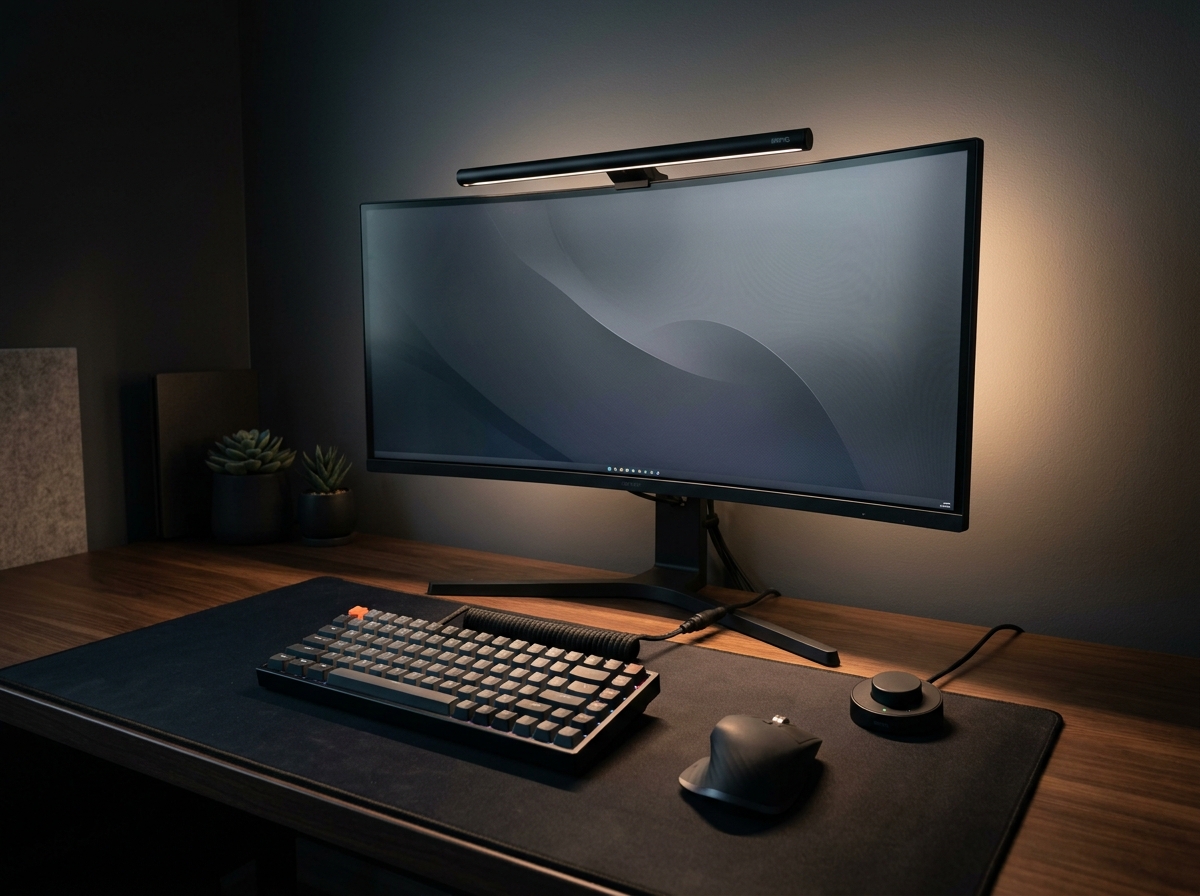
BenQ ScreenBar Halo 2 LED Monitor Light Bar
The BenQ ScreenBar Halo 2 sets the gold standard for workstation lighting. With its patented asymmetric optical design that casts zero reflection on glossy displays, an ambient rear backlight that balances contrast to eliminate eye fatigue, and an ultra-responsive wireless rotary controller, it justifies its premium price tag for late-night productivity.
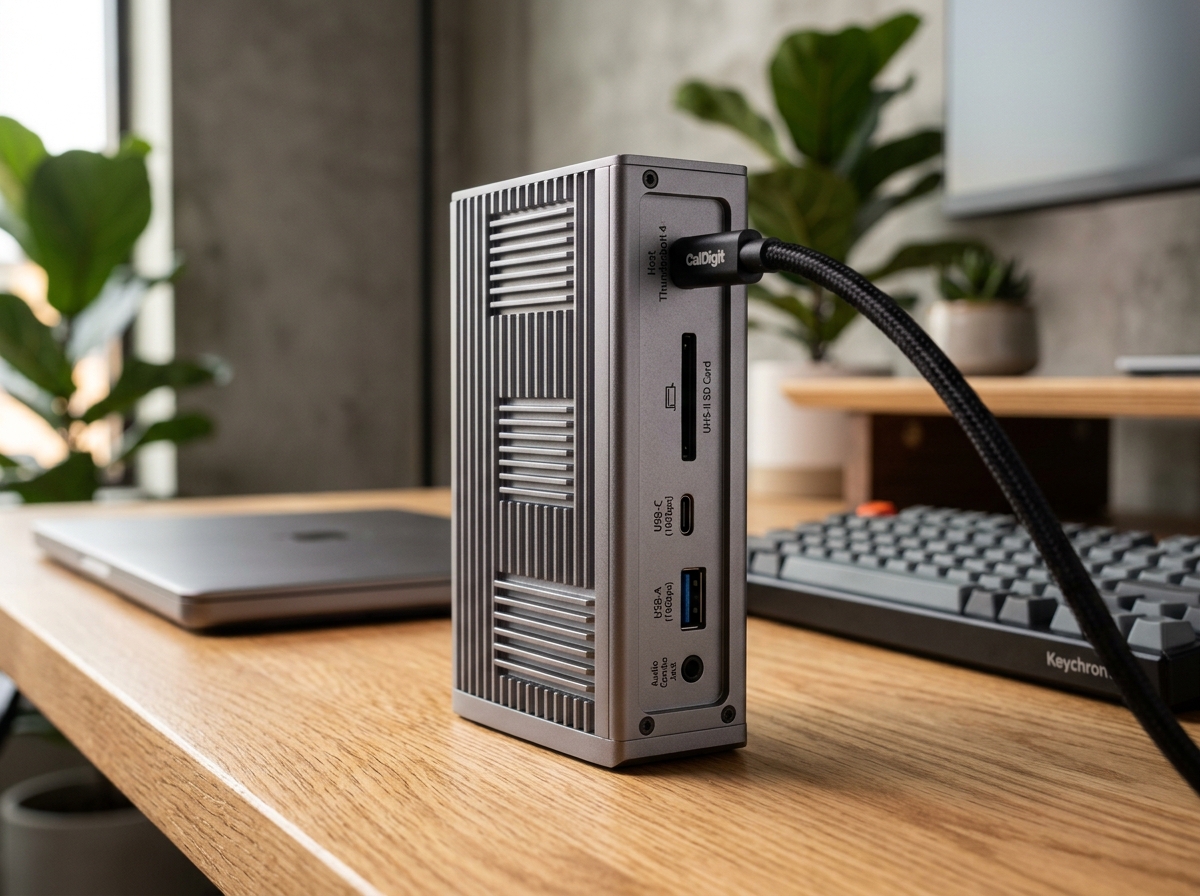
CalDigit TS4 18-Port Thunderbolt 4 Dock
The CalDigit TS4 is undeniably the benchmark docking station on the market. With an astonishing 18 ports, robust 98W laptop charging, rock-solid 2.5GbE networking, and front-facing 20W high-speed USB-C charging, it turns any MacBook Pro or Windows Thunderbolt laptop into a zero-compromise desktop powerhouse via a single cable.
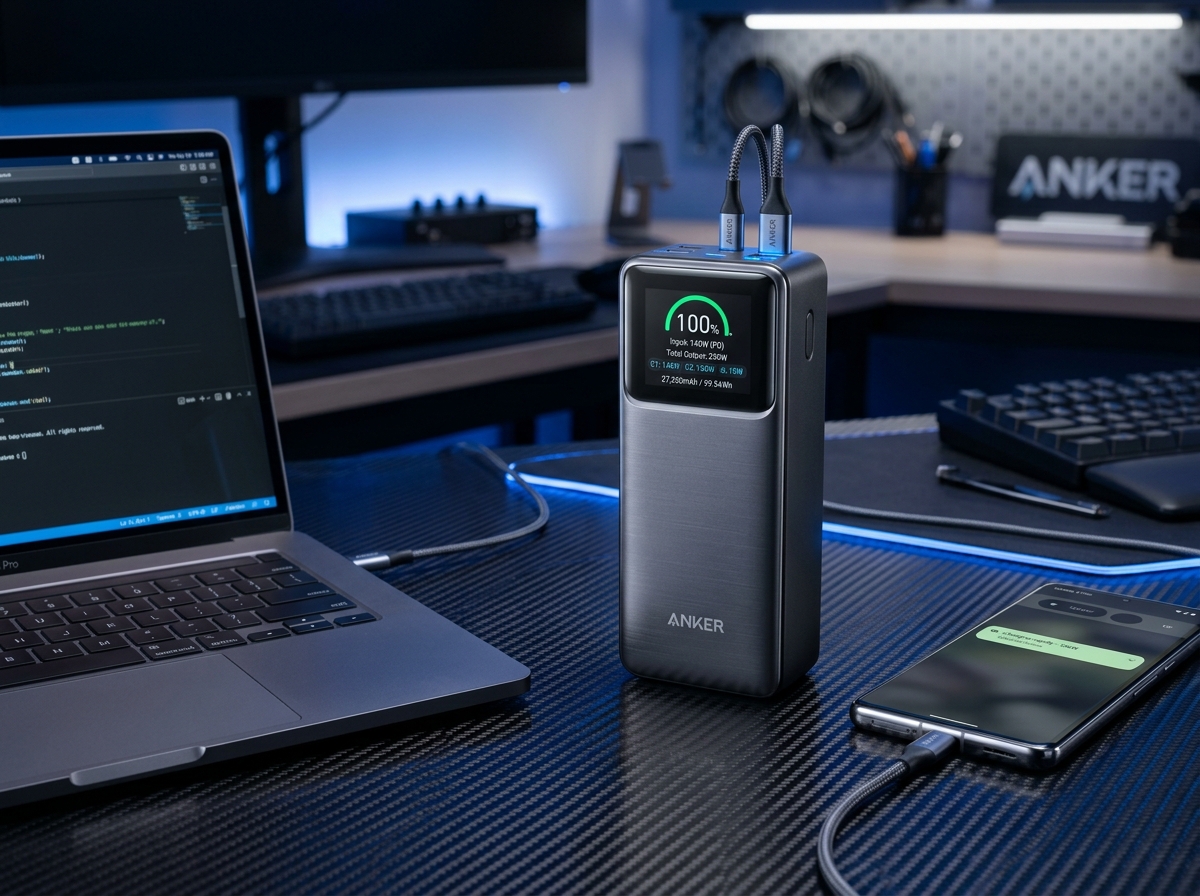
Anker Prime 27,650mAh 3-Port 250W Power Bank
The Anker Prime 250W represents the undisputed pinnacle of portable power, delivering full 140W USB PD 3.1 laptop juice, real-time wattage telemetry on a vivid color display, and maximum TSA-legal capacity.
SpecOfTheDevil is a participant in the Amazon Services LLC Associates Program. Clicking links may earn an affiliate commission at no extra cost to you.